The first tax tracker built for the way Europe actually works. Six countries. Real progressive brackets. Invoice PDFs in your currency. Quarterly deadline reminders. All on your iPhone — and only on your iPhone.
Every "freelance finance" app on the App Store assumes you have an LLC, file with the IRS, and bill in dollars. None of that helps when your client is in Munich, your invoice needs 19% VAT, and your Q2 advance is due on July 31.
You're disciplined for three months. Then a deadline lands, the formulas fail, and you spend a weekend reconstructing what you earned in March. There has to be a better way.
Net profit isn't take-home. Between income tax, social contributions, and VAT collected, the real number can be 40–50% of what hit your account. Most freelancers guess. And they guess wrong.
The German Grundfreibetrag. Spain's autónomo cuota. France's URSSAF. Italy's forfettario. The UK's payments on account. No app on the store handles more than one of these properly.
Different country, different dates. Apr 30. Jul 31. Oct 31. Jan 31. They sneak up between projects, and the fines for missing them are real. A 30-second reminder solves this forever.
Sequential numbering. VAT line items. Client address. Your address. Payment terms. A polished PDF. Every invoice is the same form. So why are you still filling it in by hand?
Every other tool wants you to sign up, sync to the cloud, and hand over your tax records to a US-based startup. Your money. Their database. Their breach.
FreelanceFlow does one thing and does it well: it shows you exactly where your freelance finances stand right now, and what you'll owe at the next deadline.
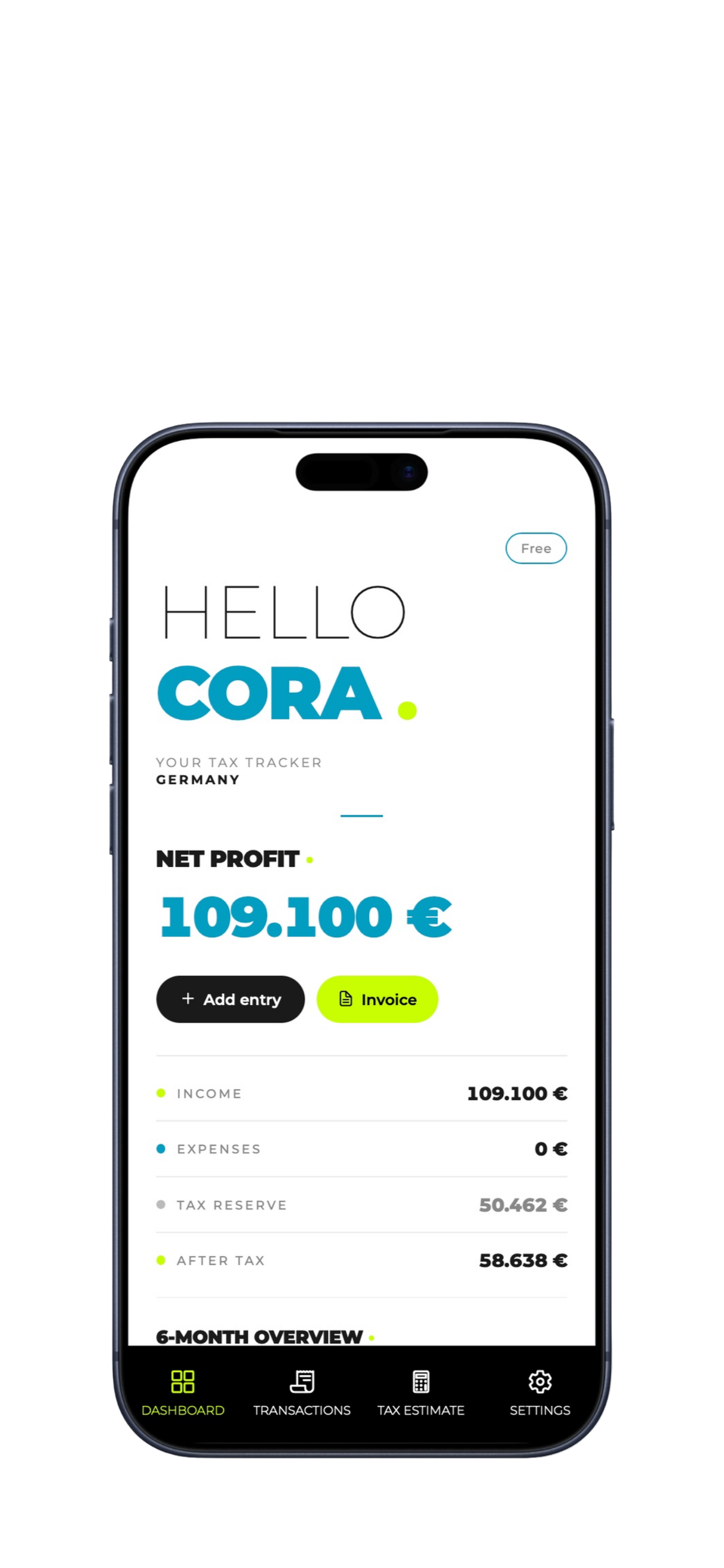
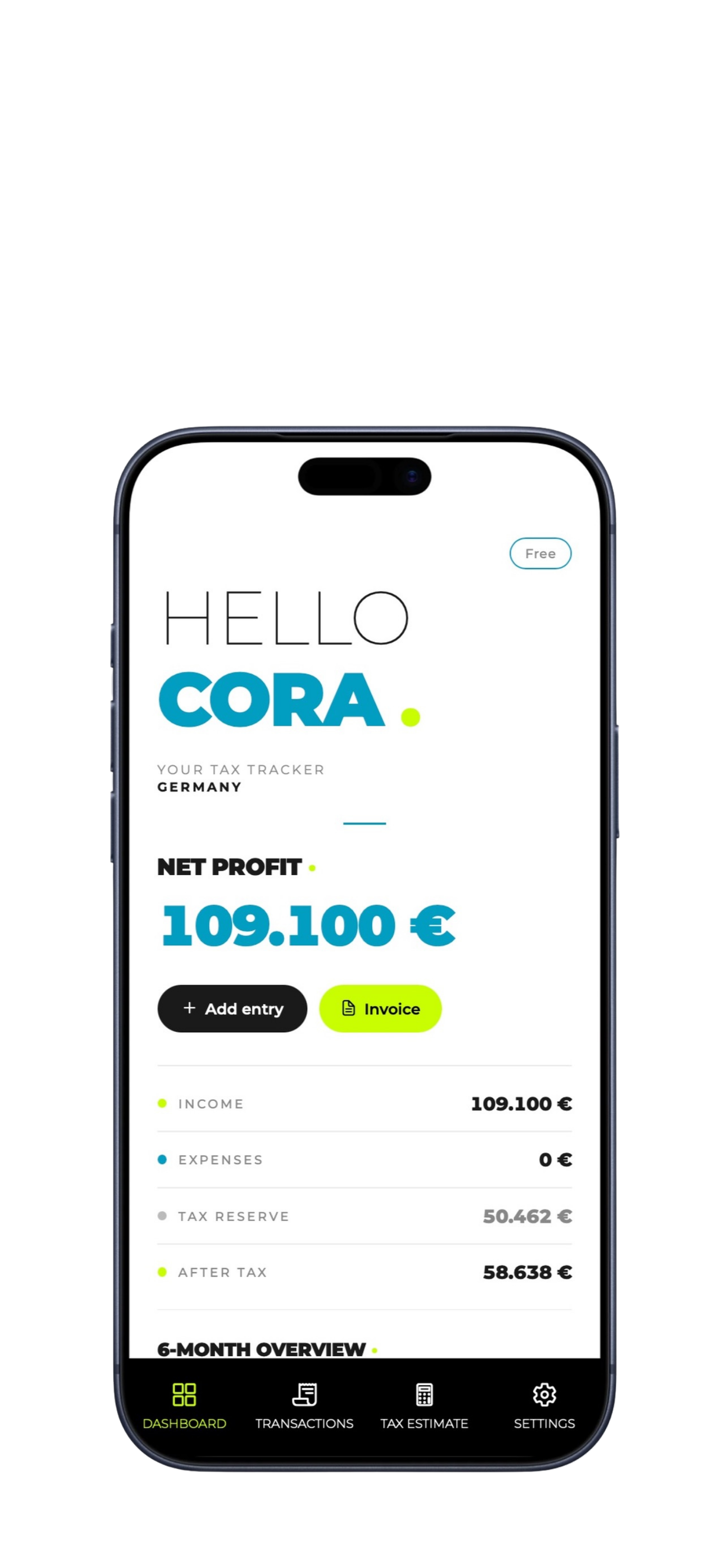
Net profit. Income. Expenses. Tax reserve. After-tax. The four numbers every freelancer wants to know — calculated live from your transactions and your country's actual tax rules.
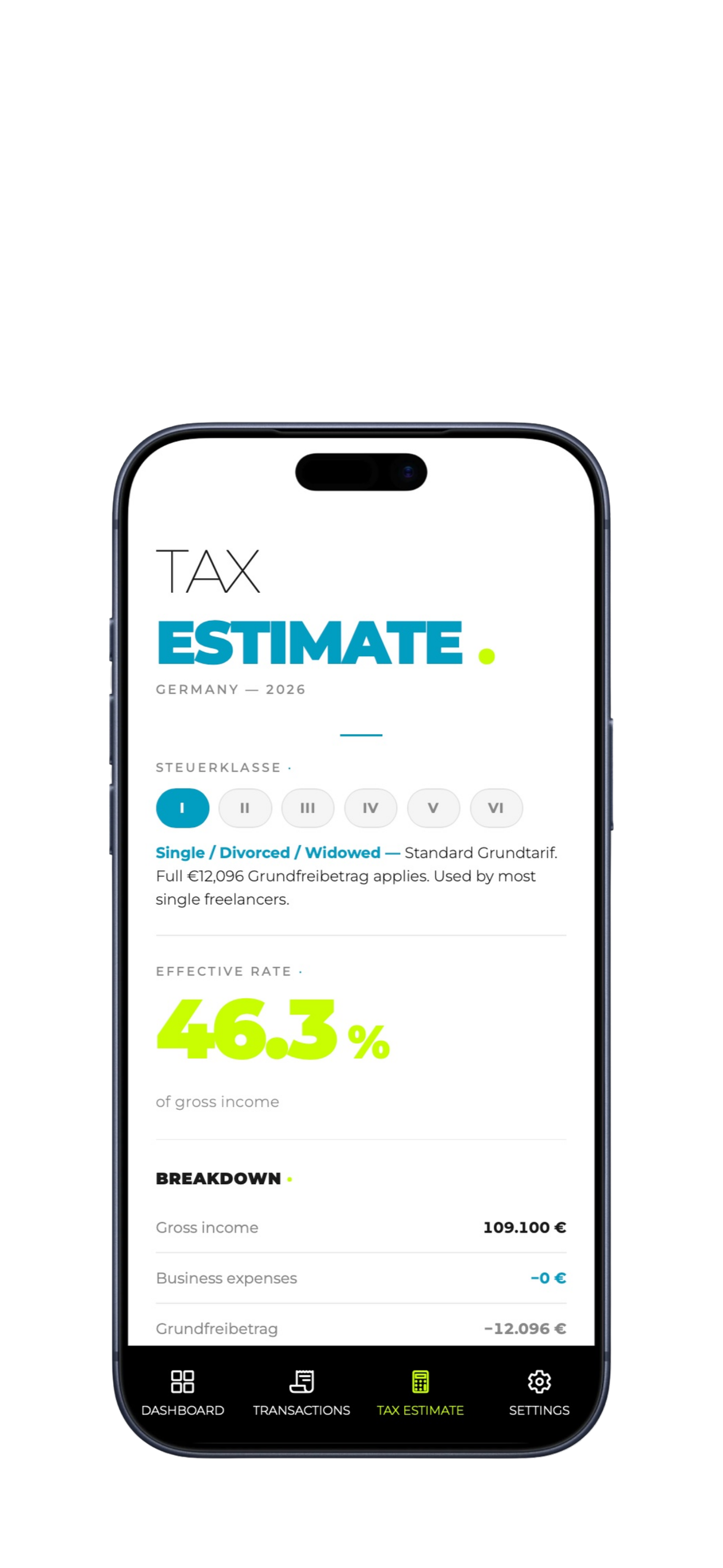
Other apps multiply your income by 30% and call it a day. FreelanceFlow walks your earnings through the actual progressive brackets of your country — including allowances, deductions, and social contributions.
Tap. Type. Done. No client database to set up. No categories to configure. No onboarding wizard. Just the four fields that matter, with smart defaults for the rest.
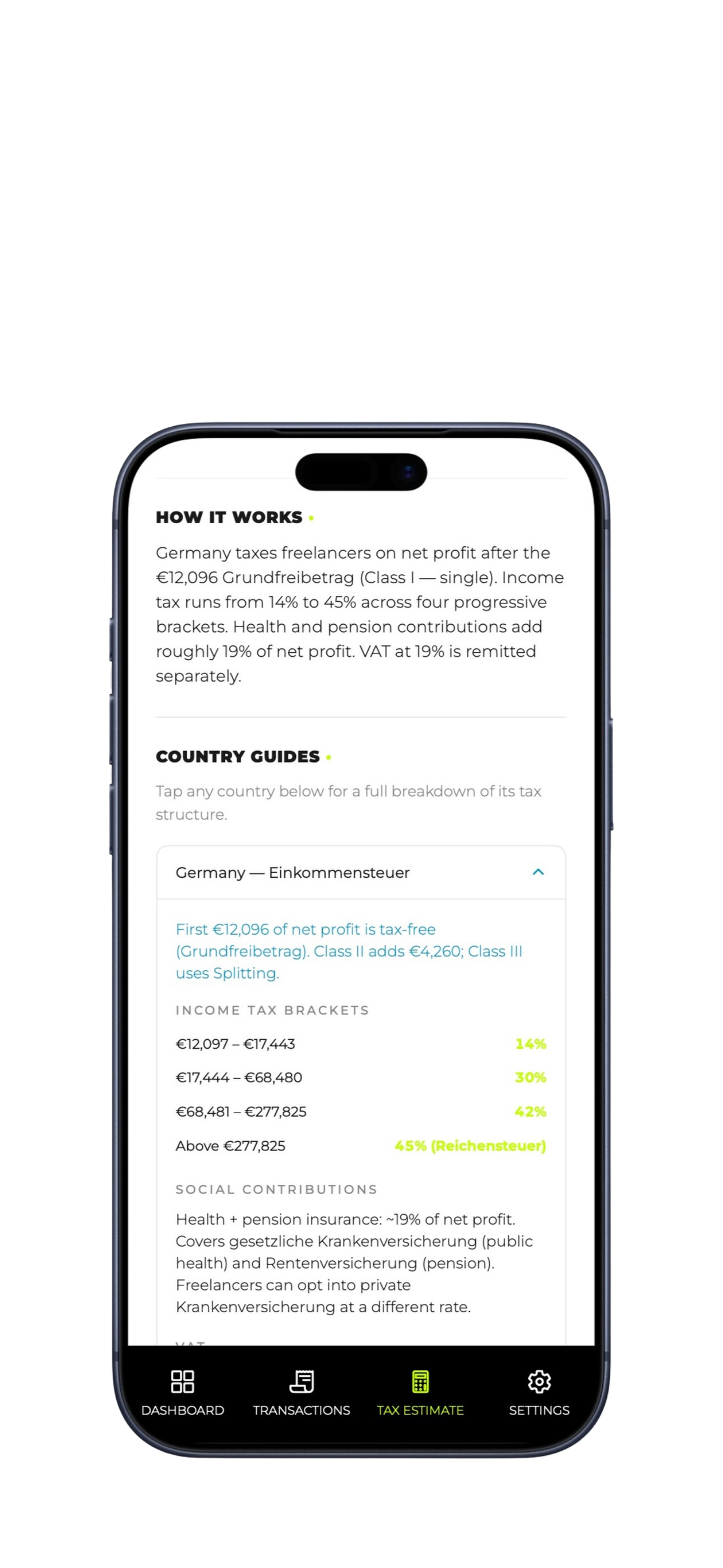
Built-in guides for every supported country. Brackets, allowances, social contributions, VAT, and the actual filing deadlines — written for freelancers, not accountants.
Each country comes with its own brackets, allowances, deadlines and currency. Switch between them in Settings — useful if you've moved recently, or you're comparing.
No accounts. No onboarding wizard. No "let's get started" video. Open the app, pick your country, start logging.
Open Settings, select where you file taxes. FreelanceFlow loads the right brackets, currency, deadlines and vocabulary in one tap.
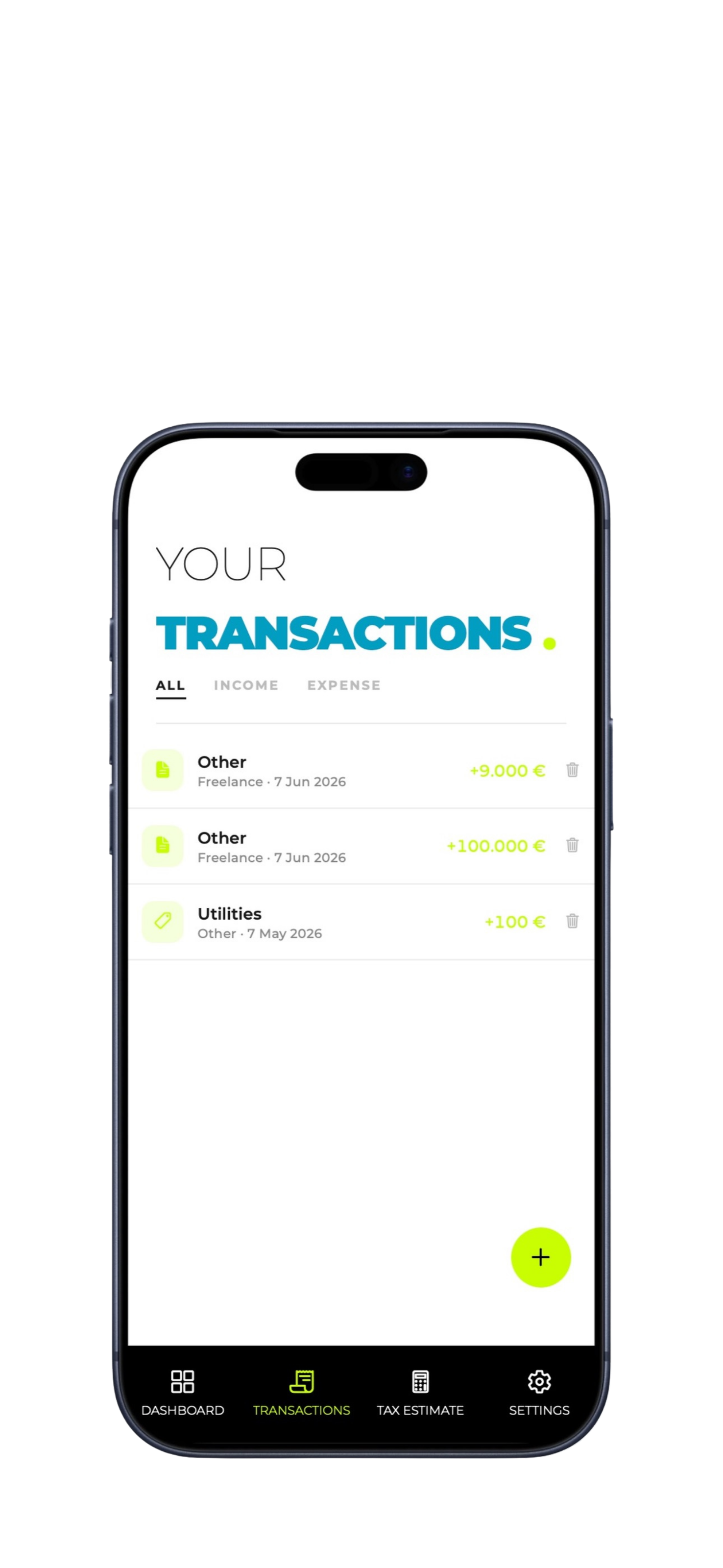
Tap the + button after every paid invoice or business expense. Eight seconds per entry. Categorize lightly — the app handles the rest.
Your tax estimate updates live. When deadlines approach, you get pinged seven days out. Export a CSV for your accountant, generate an invoice PDF for your client.
FreelanceFlow is built locally. No accounts. No cloud sync. No analytics. No ad networks. No third-party SDKs harvesting your taps. The financial information you track stays on the device you typed it into — and nowhere else. This is rare in 2026, and we know it.
No sign-up, no email, no password. Open the app and start.
We don't operate a backend that stores your data. There's nothing to leak.
Zero third-party analytics, ad SDKs, or behavioral tracking.
We literally cannot sell what we don't have. Subscriptions fund the app — that's it.
Free forever for casual tracking. Pro for €4.99/month when you're ready to drop the spreadsheet completely. No tiers, no add-ons, no enterprise upsell.
Get started in 30 seconds
▸ 7-day free trial · cancel anytime
No. FreelanceFlow gives you an accurate estimate so you can plan your finances and know what to set aside, but the final filing should be confirmed with a qualified tax professional — especially the first year you use it. Think of FreelanceFlow as the day-to-day tracker, not your filing service.
For each country, we apply the real progressive brackets to your net profit (income minus business expenses), subtract the relevant allowance (Grundfreibetrag, personal allowance, etc.), and add social contributions where applicable. The brackets and allowances are reviewed and updated annually. The calculation logic is transparent — we'd rather you trust it than be impressed by it.
Yes. There's no FreelanceFlow server. Transactions, settings, goals — everything is stored in your iPhone's local storage. We never see it. The trade-off is that switching devices means starting fresh, but for most people the privacy wins. See the privacy policy for the technical detail.
Your local data goes with it. Before deleting, export a CSV — that file contains every transaction you've logged and can be imported into a spreadsheet, sent to your accountant, or kept as a backup. iOS subscriptions are managed separately by Apple and continue until you cancel them in Settings.
We add a new country roughly every quarter, prioritized by demand. Email rudeashare@gmail.com with your country and we'll add it to the list. If yours is next, you'll hear from us.
Standard iOS subscription cancellation: Settings → [your name] → Subscriptions → FreelanceFlow → Cancel. You keep Pro until the end of the billing period. No retention pop-ups, no "are you sure" loops.
FreelanceFlow is built by Rueda Studios, an independent studio in Berlin. We freelance ourselves — the app exists because we needed it and couldn't find it. We're not a venture-backed unicorn racing to a billion-dollar exit. We're a small studio building one app properly.
For now: focus. Building one platform extremely well beats building two platforms adequately. Android is on the roadmap once the iOS app is mature and stable. If you want to be told when, drop us an email.
Download FreelanceFlow and have your finances sorted before your next coffee.